Project-Specific Resources

Presentations
Whether you’re giving a speech with a visual aid, a flash talk, or a full-length conference presentation, the resources from this page will be helpful to you! You’ll also find information here about how to record audio into your presentation and/or export your presentation as a video for online classes.
Research Posters
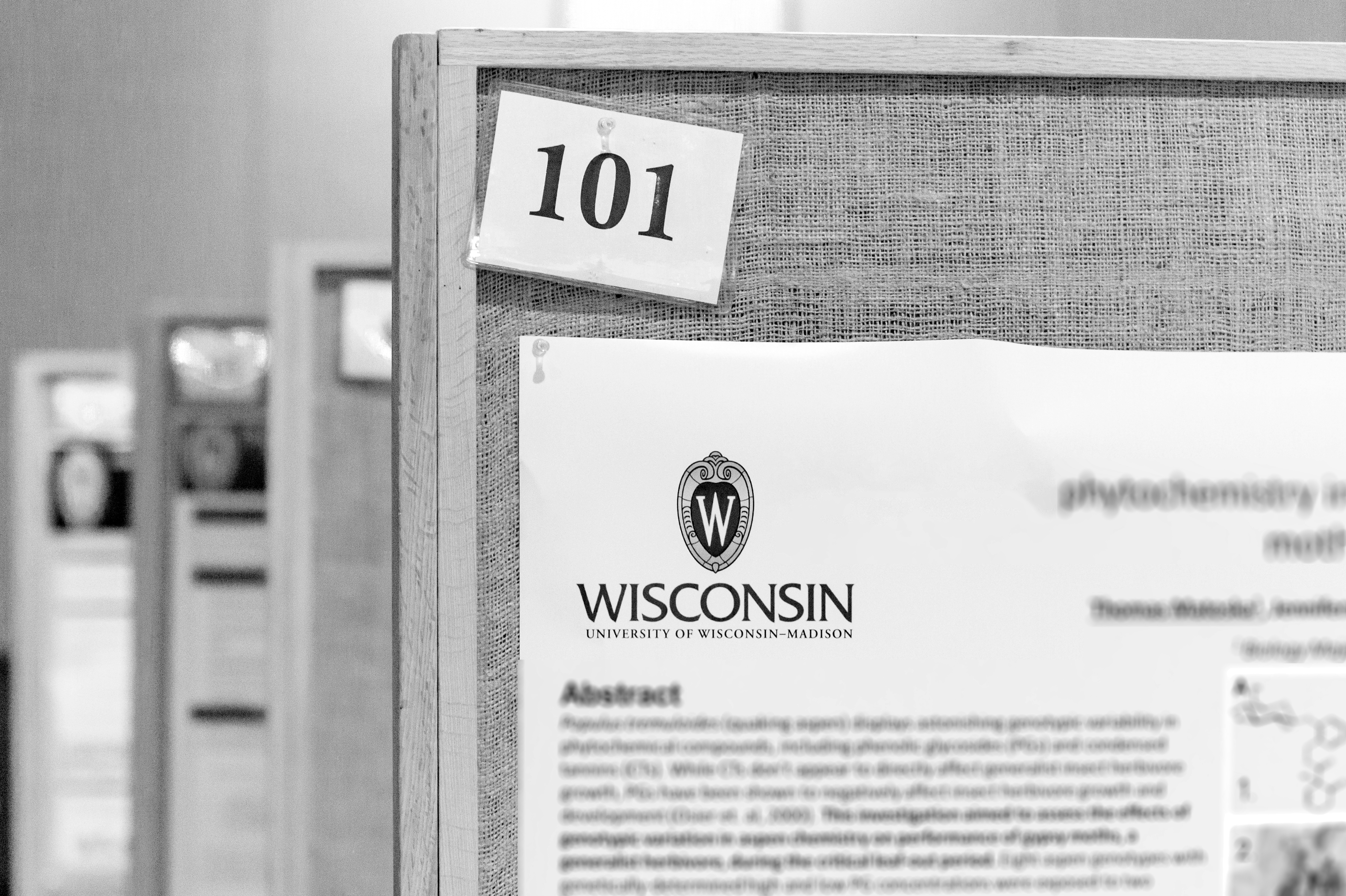
Learn about how to make visually stunning and effective research posters, with examples and software recommendations. Here you will also find information about where and how to print posters on UW–Madison’s campus and in the Madison area.
Video
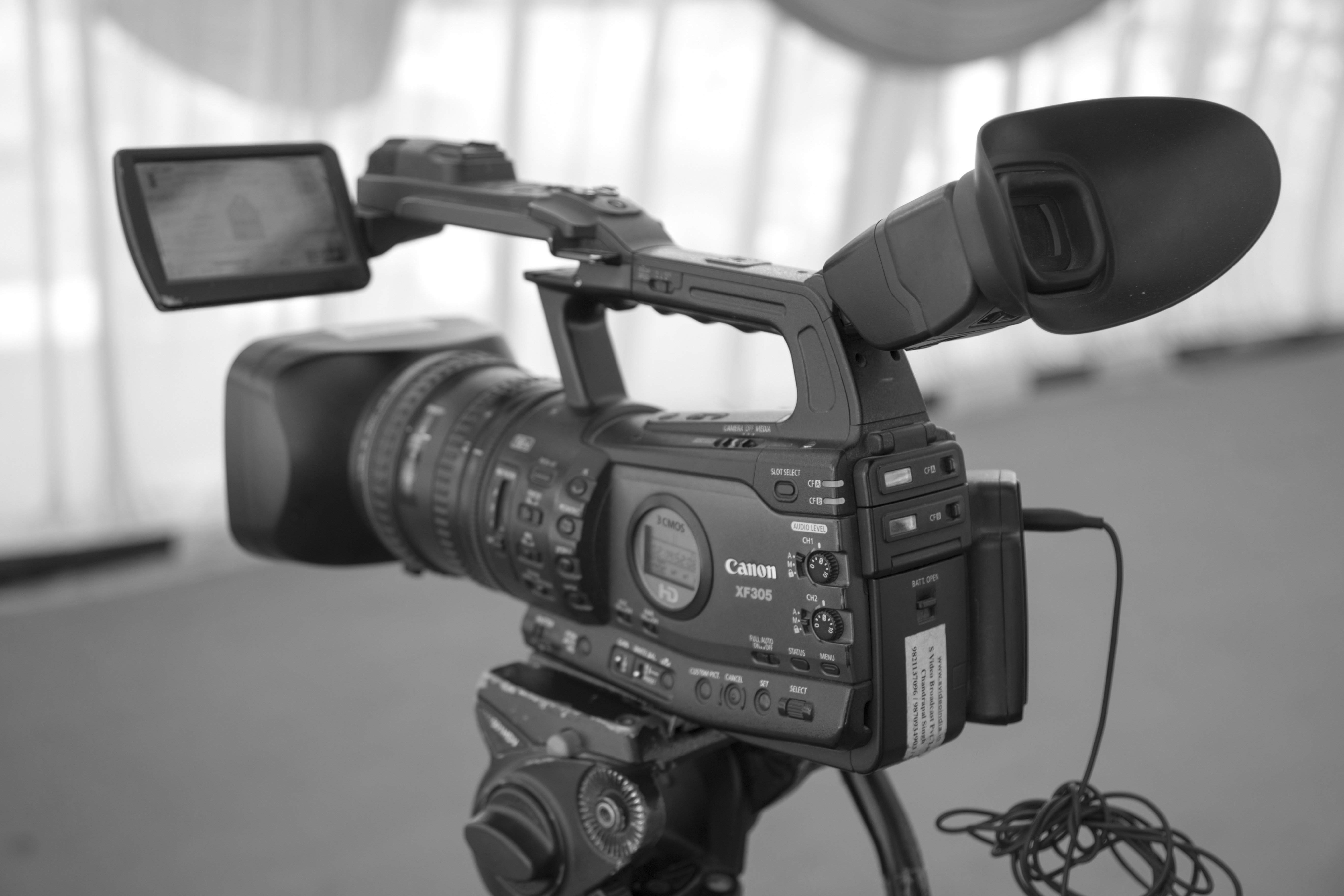
No matter what kind of video you are making, from feature-length film to short instructional video to vlog, this page is where to start! You’ll find links to stock media, equipment available at UW–Madison, and software recommendations. See also the audio page for similar recommendations specifically about audio.
Audio
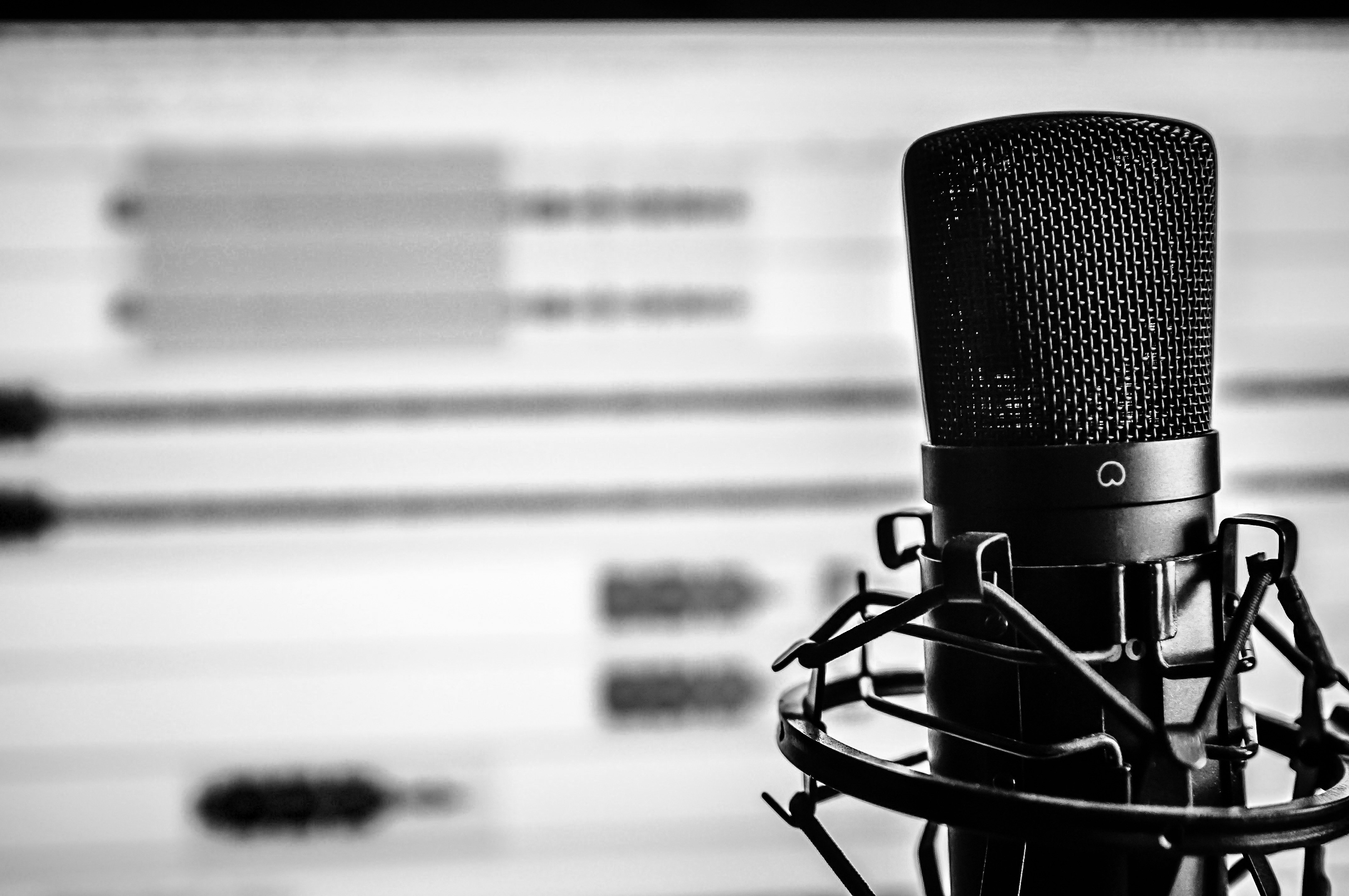
This page is about any audio project you could think of, from podcasts to audio essays to soundscapes, even audio in videos! Find links to stock music and sound effects, equipment available from UW–Madison, and software recommendations for recording and editing.

Infographics & Data Visualizations
Whether you’re working on a small data visualization as a part of a larger project or creating an entire infographic full of data, this page is where to start! Find links to programs specifically designed for making infographics, maps, and data visualizations, as well as examples and even some library book recommendations!
Graphic Essays & Comics
Think outside the box by learning more about graphic essays and comics! Any combination of text and images can be a graphic essay, from something as simple as a research paper with a few images to a hand-drawn image with text bubbles. Find tools and resources to make your graphic essay stand out!

Web-Based Projects
This page is for any web-based project, from websites to social media to application building. Find out where to start building your personal website and learn how to design a social media account intentionally.
(For Microsoft Sway projects, see Graphic Essays and Comics above)
Fliers/Brochures/Posters (Print)
Need to catch someone’s eye with good print visuals? Then you need to check out this page! We have lots of software recommendations to make posters, fliers, and brochures that are sure to wow your audience! Also, there is information here on where to print your materials on campus!

Professional Documents
Preparing to apply for a job or updating your LinkedIn? This page has all the tools you’ll need to build your professional documents. Find helpful tips for creating resumes/CVs, business cards, portfolios, and more! You’ll also find links to UW–Madison career services that you can use to get even more help!
Branding/Logos
Whether you’re working on building or updating your personal brand, a company logo, or a brand for your startup, this is the page for you! You’ll find helpful links to create color schemes, software recommendations, examples of brands and logos that you can use for inspiration, and links to helpful articles to get you started.
Get Help
Working on something not listed here?
These are just a few of our most common projects. Schedule an appointment to receive personalized feedback and resource recommendations for your project.
Looking for equipment for your project?
Many of the UW libraries offer equipment checkout! This includes laptops (Windows and Mac), iPads, DSLR Cameras, HD Video Cameras, Voice Recorders, Micophones, and more!
Looking for software help?
Check out our friends at Software Training for Students! They offer free workshops on all different kinds of software, as well as free 1-on-1 appointments!

You can also check out our Software Support Page for direct links to more support.
Instructors:
Want to assign one of these projects in your course?
Make an appointment with our instructional coordinator to find out how DesignLab can support your students/assignment!